 Import Data Templates
Imports
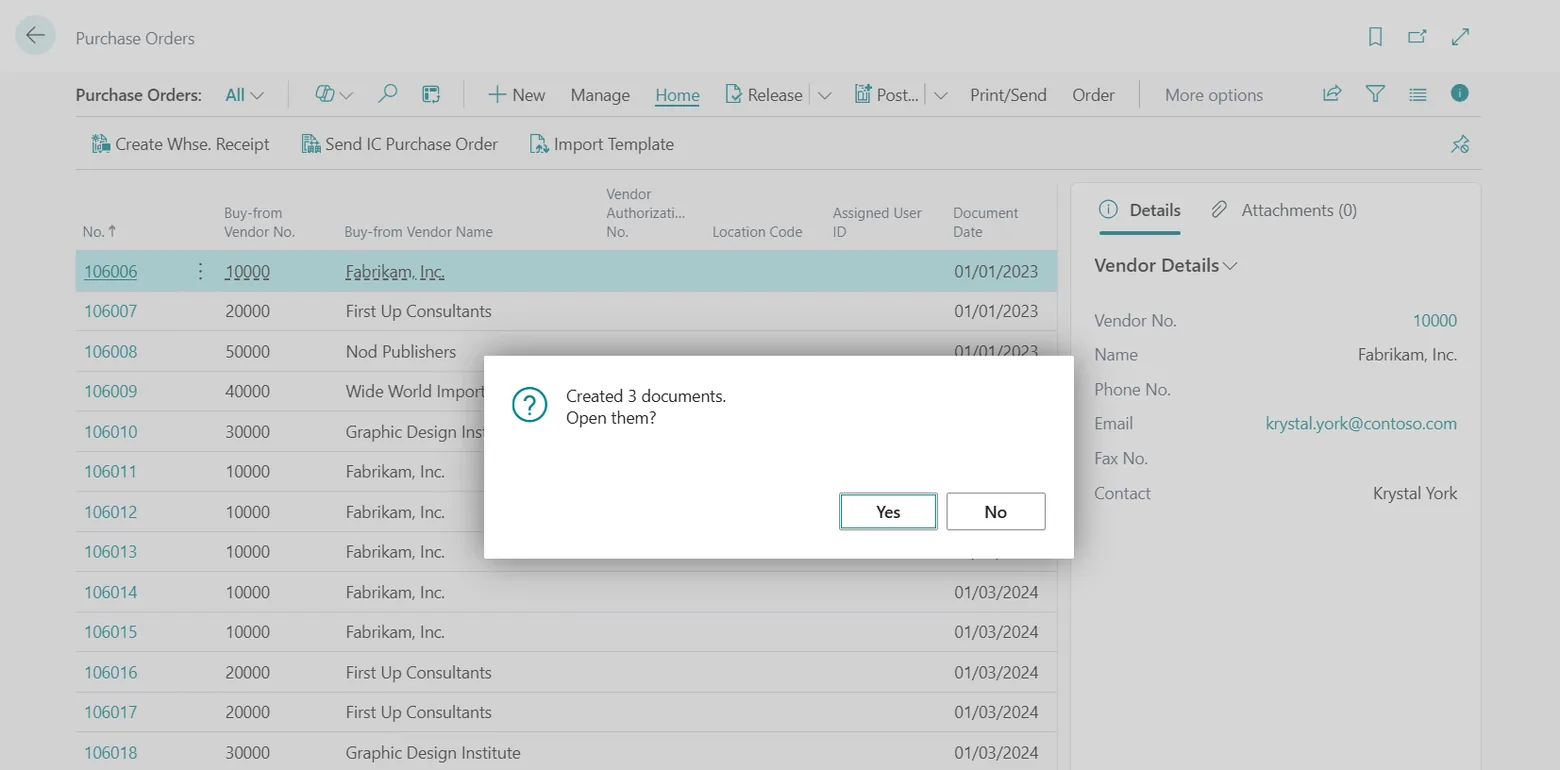
What Import Data Templates can import
The Business Central pages a template can fill from Excel, CSV, fixed-length text, JSON and XML files.
Documents
| Sales | Purchase | Other |
|---|---|---|
| Sales quotes | Purchase quotes | Transfer orders |
| Sales orders | Purchase orders | Assembly orders |
| Blanket sales orders | Blanket purchase orders | |
| Sales return orders | Purchase return orders | |
| Sales invoices | Purchase invoices | |
| Sales credit memos | Purchase credit memos |
- Header and lines from the same file, several documents per file, header values on fixed rows when the file is a print.
- Item tracking (serial, lot and package numbers, expiration and warranty dates) and item references (customer, vendor and barcode numbers) on sales and purchase lines.
- Documents released by a template action after the import.
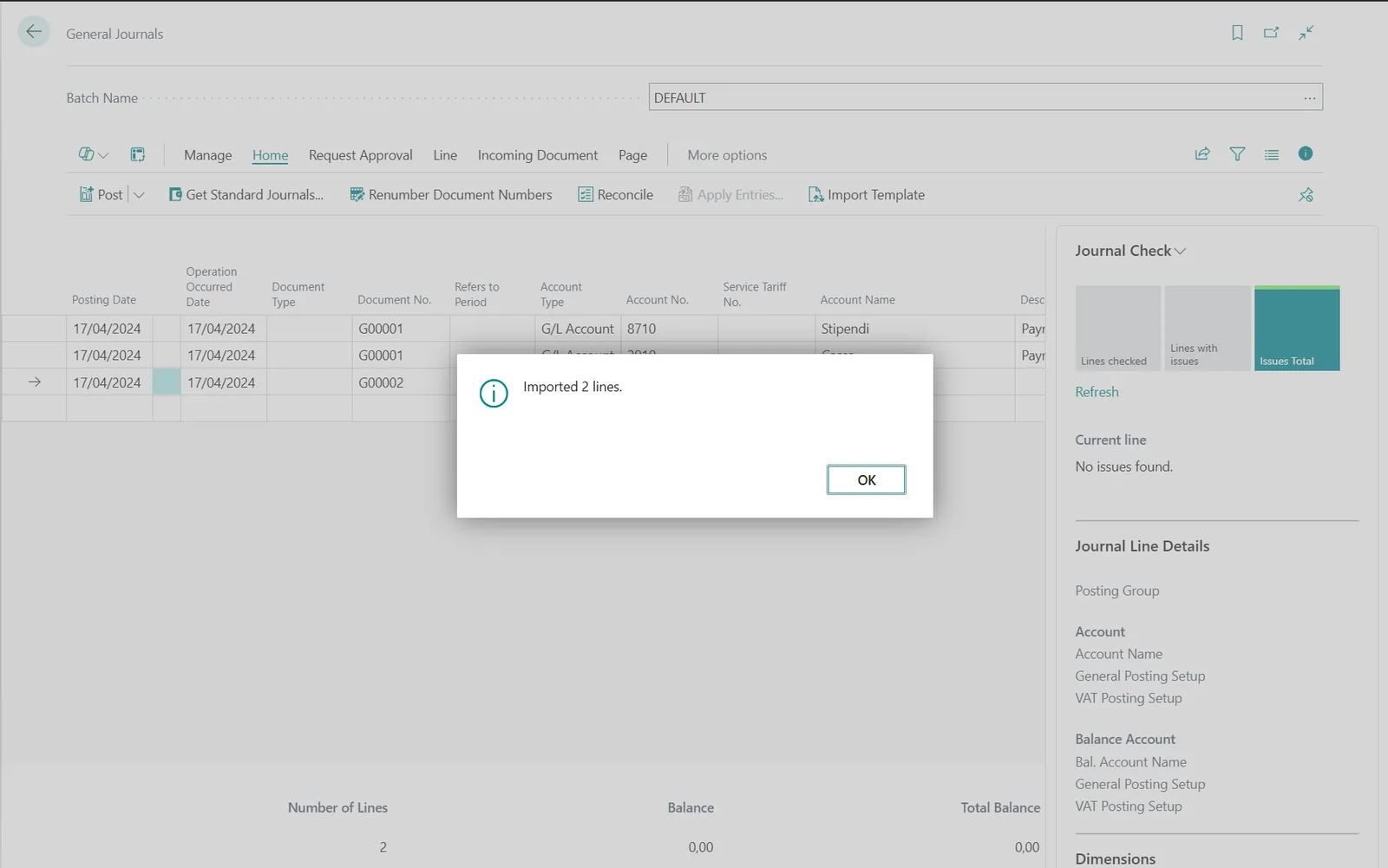
Journals
| Finance | Jobs and resources | Fixed assets | Inventory |
|---|---|---|---|
| General journal | Project journal | Fixed asset journal | Item journal |
| Payment journal | Project G/L journal | Fixed asset G/L journal | Item reclassification journal |
| Cash receipt journal | Resource journal | Physical inventory journal | |
| Sales journal | |||
| Purchase journal | |||
| Payment reconciliation journal (bank statements, see below) |
- Lines created in the batch chosen when the import starts; default values and import parameters for what the file does not carry.
- Lines posted by a line table action after the import.
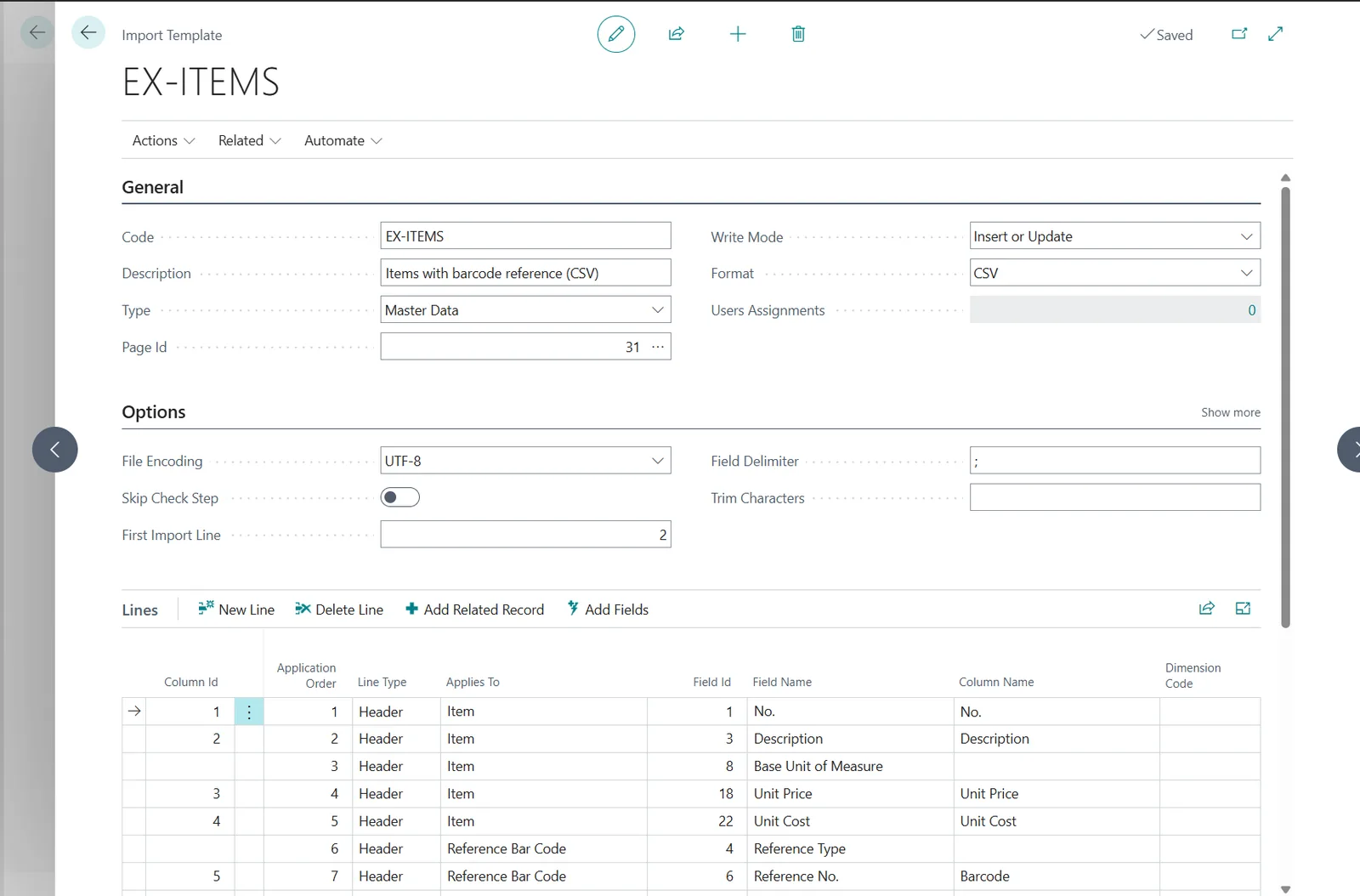
Master data
| Master record | Related records on the same row |
|---|---|
| Customers | Customer bank accounts, ship-to addresses, default dimensions |
| Vendors | Vendor bank accounts, default dimensions |
| Items | Item references (barcodes, customer and vendor item numbers), item units of measure, item attribute values, default dimensions |
- Write mode Insert, Update or Insert or Update, matched by the record number.
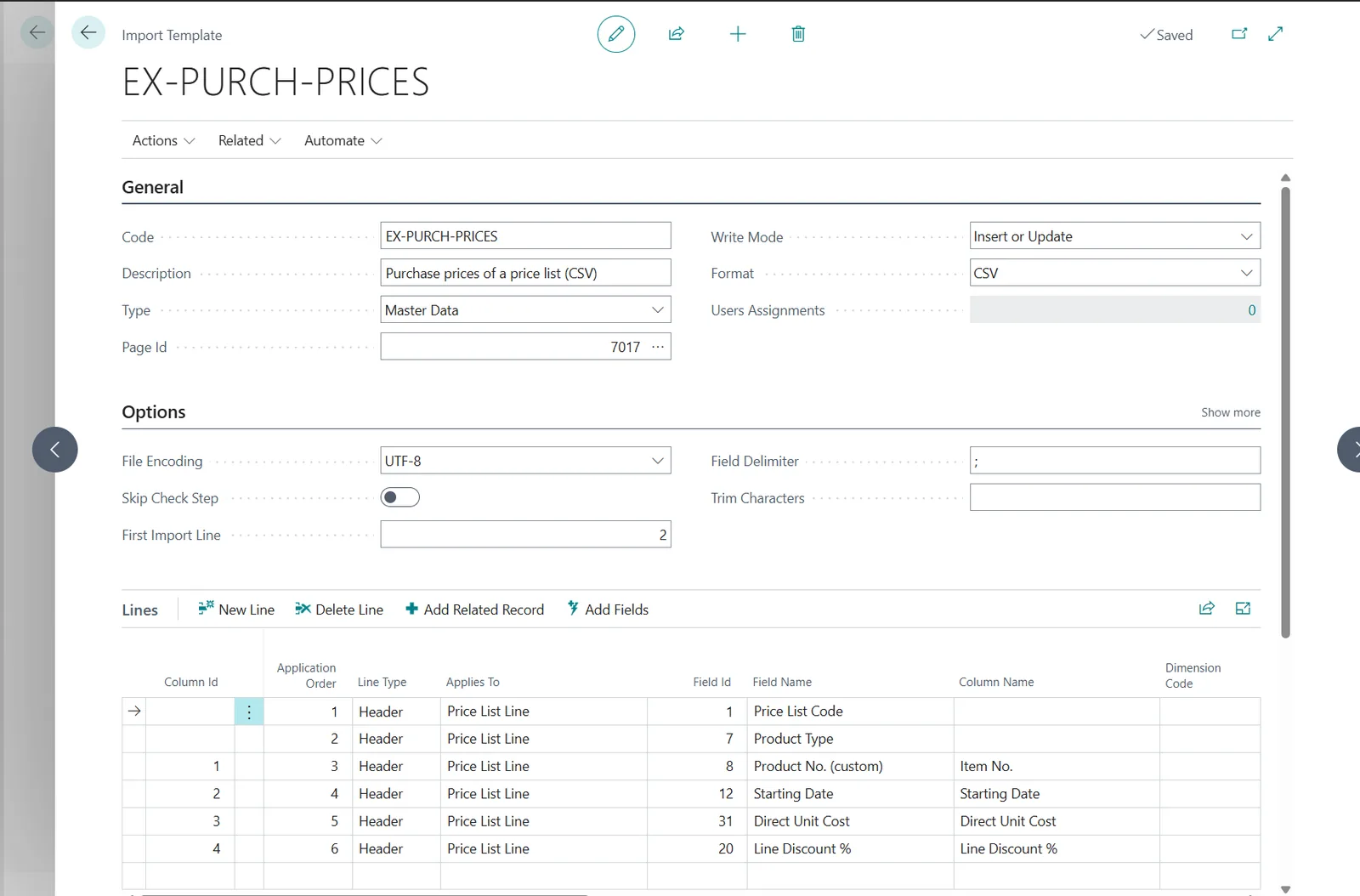
Price lists
| Sales | Purchase |
|---|---|
| Sales price lists | Purchase price lists |
- Lines added to an existing list, matched on product, variant, unit of measure, currency, minimum quantity and starting date.
- Actions Replace Prices and Replace Price List close the prices the file supersedes; Activate Prices activates the imported lines.
Bank statements
| Journal |
|---|
| Payment reconciliation journal |
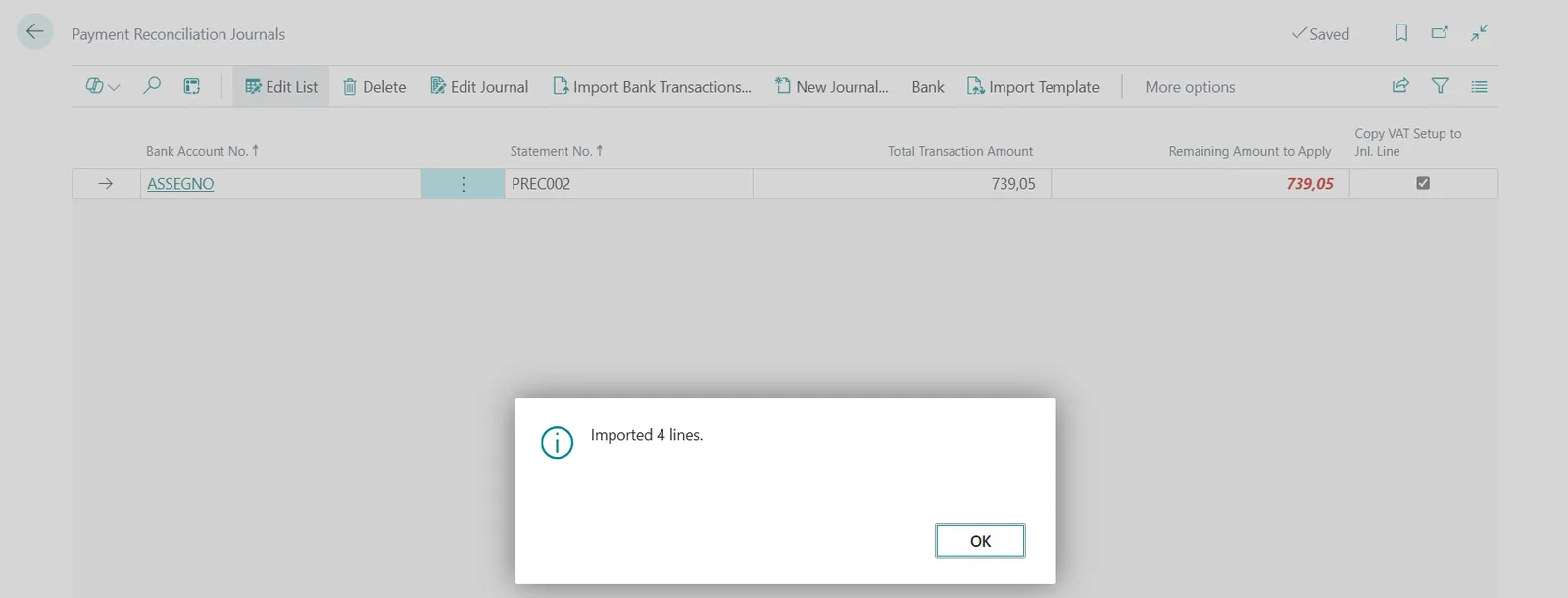
- The CSV or Excel file exported by the bank creates the journal for the bank account, fills the statement lines and updates the ending balance.
- Automatic matching runs at the end of the import when asked; a file with several bank accounts produces one journal per account.
Physical inventory
| Journal |
|---|
| Physical inventory journal |
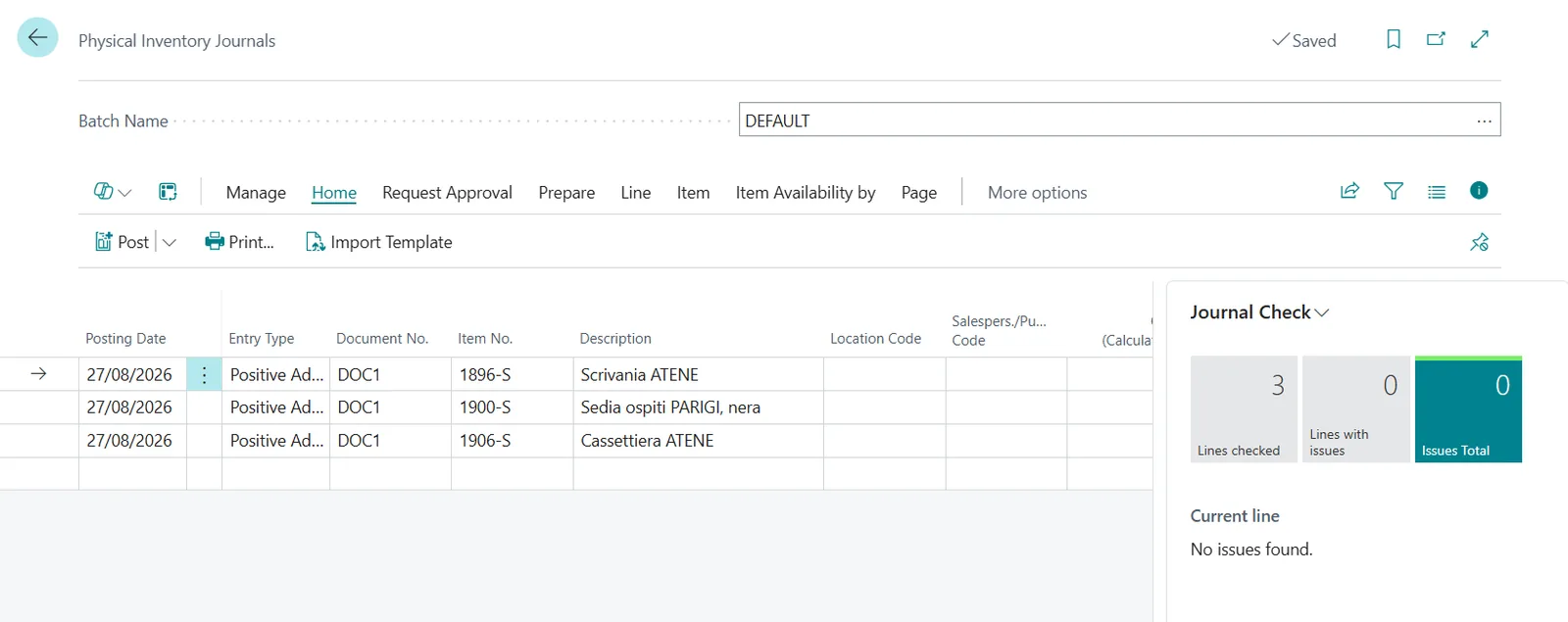
- Counted quantities written into the lines created by Calculate Inventory, matched by item, variant, location and bin; unmatched and duplicated rows reported by the check step.
Files
| Formats | Excel (one sheet or all the sheets of a workbook), CSV with any delimiter and encoding, fixed-length text, JSON, XML |
|---|---|
| Packaging | Single files, or several files in one ZIP archive |
| Layout | Header rows, title rows and fixed rows handled by the template; the file is not modified before the import |
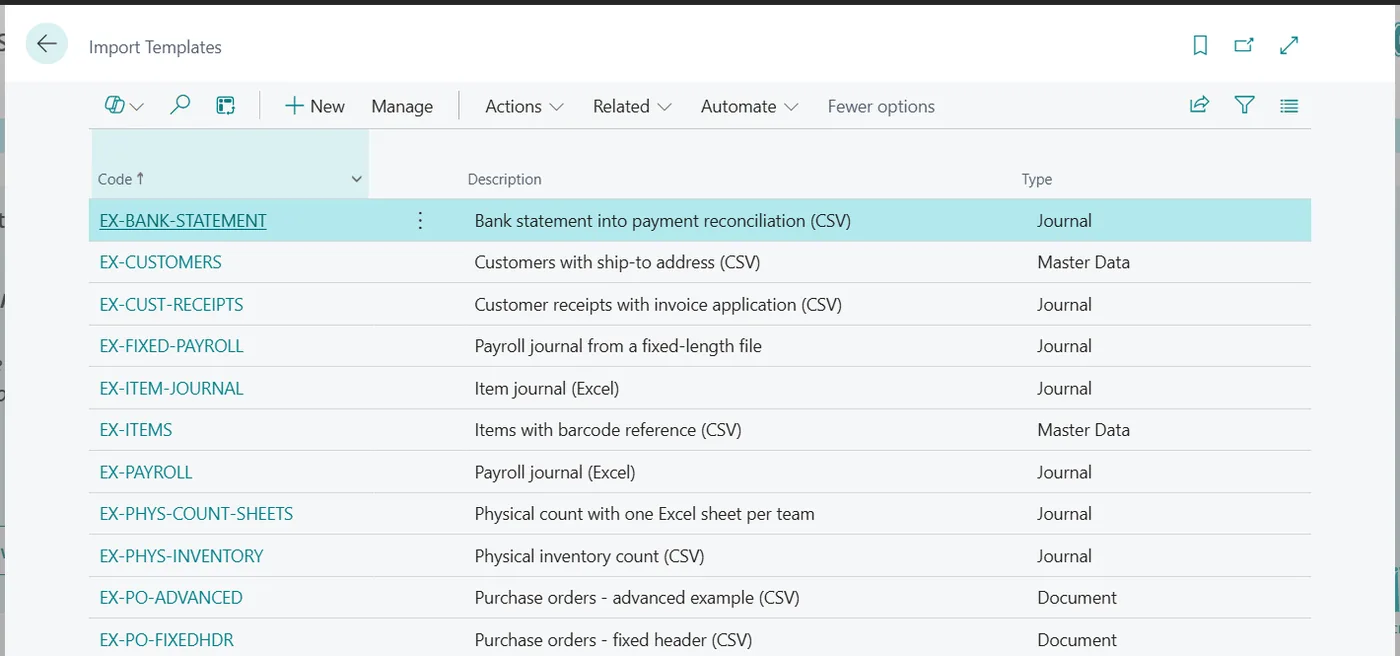
Import Data Templates is available on Microsoft AppSource with a one-month free trial. Licenses are assigned per user in the Microsoft 365 admin center.